Setting up KOTs so orders reach the kitchen without mistakes
How to set up kitchen order tickets (KOTs) for stations, notes and online orders, so the right dish reaches the right table on time, even on your busiest night.
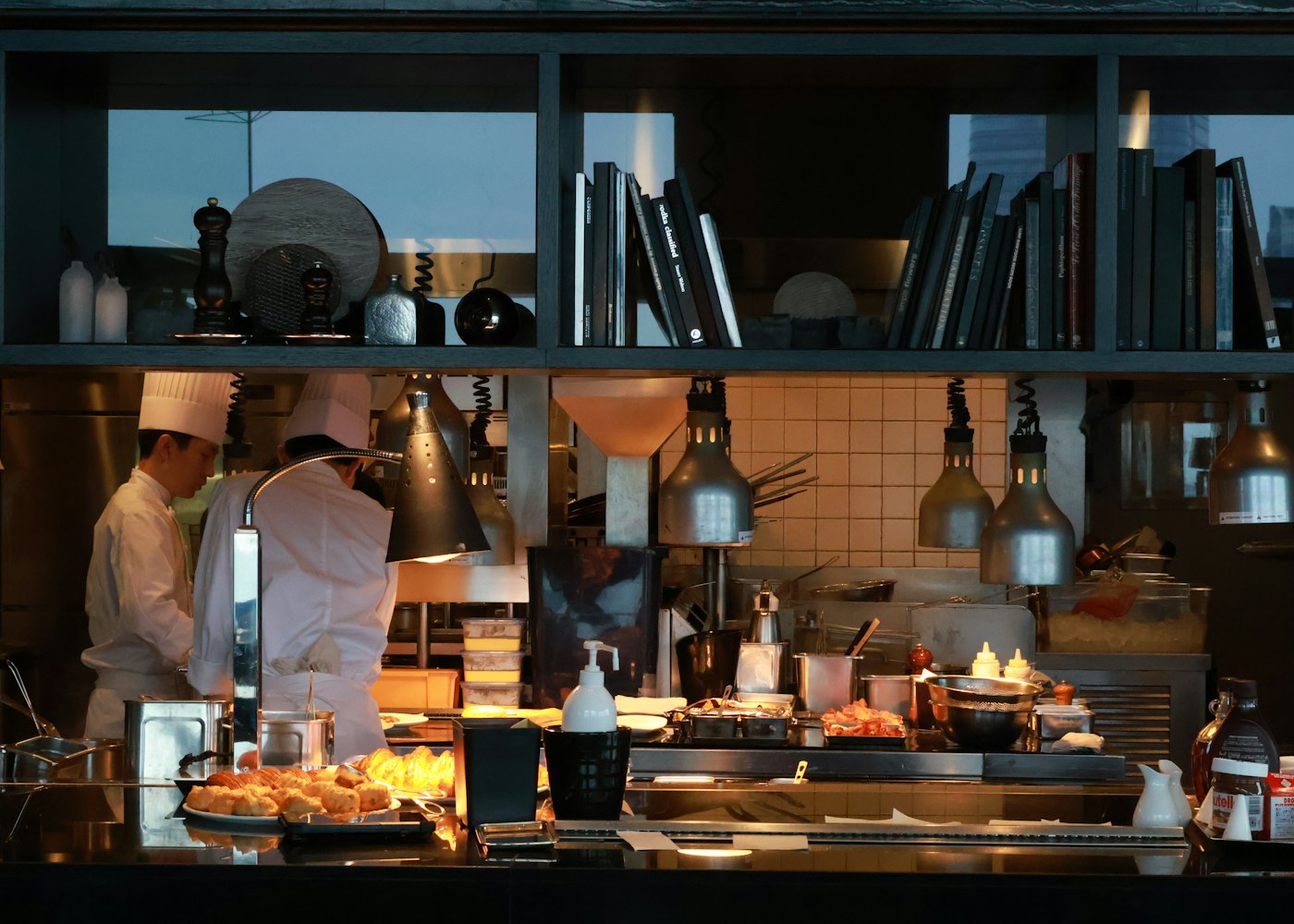
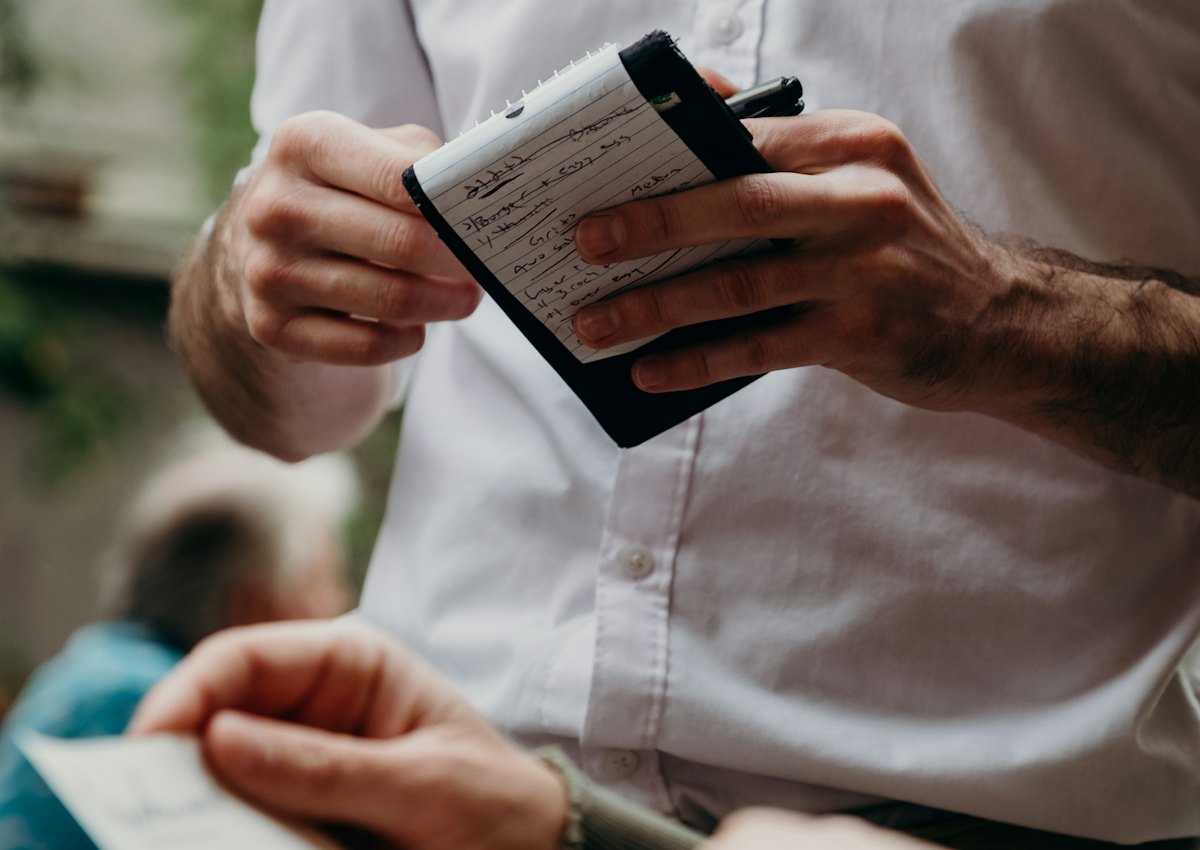
Most service problems start between the captain and the kitchen: an order written on a pad and misread, a note that never reached the tandoor, a takeaway order that sat on the printer while everyone was busy. A well set-up kitchen order ticket (KOT) system fixes most of them.
What a KOT is for
A KOT is the kitchen's copy of an order: the table or order number, each item with its quantity, and any notes. It's printed or shown on a screen at the station that cooks it. The bill is for the guest; the KOT is for the kitchen. Keeping them separate means the kitchen sees only what it needs, and you can add items to a running table without reprinting the whole order.
1. Split the kitchen into stations
List where food is actually prepared: main kitchen, tandoor, Chinese, bar, desserts, beverages. Give each a printer (or a screen) and assign every menu item to one station. When a captain sends an order with a dal, two rotis and a mojito, three short KOTs print in three places at once, and nobody has to shout across the kitchen.
Don't create more stations than you have people. If one cook handles tandoor and Chinese, one printer is fine.
2. Make notes impossible to miss
"Less spicy", "no onion, no garlic", "Jain", "extra crispy". These are the requests guests remember when they're ignored. Notes should be typed against the item, not the whole order, and print right under that item on the KOT. Train captains to use them every time instead of telling the cook in person.
3. Send only what's new
When a table orders more, the kitchen should get a KOT with only the new items, clearly marked as an addition to that table. Reprinting the full order leads to dishes being cooked twice.
4. Treat online orders the same way
Swiggy, Zomato and your own online orders should print KOTs in the same format, at the same stations, the moment they're accepted. Separate tablets for each platform are where orders get missed. If you accept online orders automatically, do it on one device only, so each KOT prints once.
5. Track each dish, not just the order
A live board that shows each order's stage (new, preparing, ready, served) lets captains answer "where's my food?" without walking into the kitchen. Mark items ready as they come off the pass. Set a time limit for takeaway and delivery orders and flag the ones that pass it: late delivery orders cost you ratings.
6. Keep printers reliable
- Use network (Wi-Fi/LAN) printers for fixed stations; they don't depend on one computer staying on.
- Keep spare thermal rolls at every station and check the paper sensor before service.
- Make sure failed prints are retried and someone is told, rather than failing silently.
- Let one device send jobs to each printer, so you don't get duplicates.
7. Close the loop at billing
Every KOT should end in a bill. A daily check of orders that were sent to the kitchen but never billed catches both honest mistakes and leakage. Look at cancelled items and complimentary orders too, with the reason recorded.
How QRkey handles it
In QRkey, each item belongs to a station and prints at its printer, notes print under their item, additions print as new KOTs for the same table, and Swiggy, Zomato and QR orders print the same way when accepted. The live board shows every order by stage, and the slow-order watchdog can alert staff when an order waits too long. See Tables, KOTs and the live order board and Printers.
Written by the QRkey team for restaurant owners in India. Rates, rules and platform terms change; check the current ones before you decide.