QRkey AI

An extra manager that never misses a detail.

Six AI helpers watch your sales, stock, kitchen and menu. They stay quiet when things are fine, and speak up when something needs you.

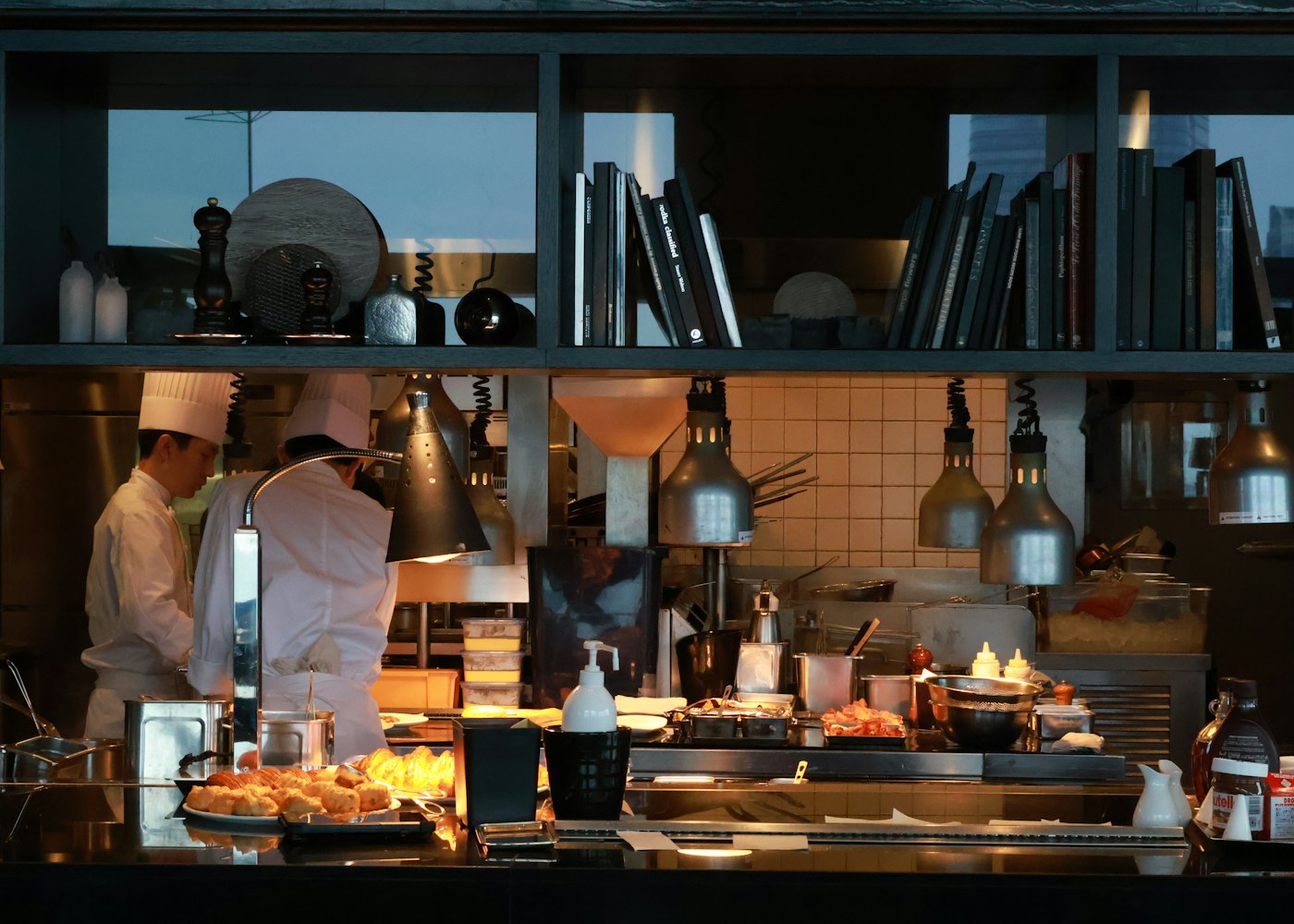
Chefs at work in a busy open kitchen
Every night

Daily briefing

Watches
Sales, orders, best and worst sellers, cancellations and late orders for the day.
Does
Sends three plain lines to your phone and dashboard at closing time.
Mode
Notify
Daily briefing

₹84,200 from 212 orders, 9% up on last Tuesday. Paneer Tikka led again. Two takeaways ran late around 8 pm.
Every evening

Sales check

Watches
Today's sales so far against the same weekday over the last four weeks, up to the same time.
Does
If you're well behind, it suggests one concrete step and links to the screen that does it.
Mode
Notify
Sales check

You're 26% behind a usual Thursday. Dine-in is normal; delivery is down. Check that your aggregator listings are online.

Every 15 minutes

Sold-out guard

Watches
Live stock for every item linked to inventory or a recipe.
Does
Marks dishes sold out on the POS and QR menu when stock hits zero, and switches them back on after a restock.
Mode
Notify, ask first or do it
Sold-out guard

Chicken is out of stock, so I've hidden 6 dishes. They'll come back on their own when you receive stock.

During service

Slow-order watchdog

Watches
Takeaway and delivery orders, plus dine-in if you choose, and how long each has been waiting.
Does
Alerts your staff once per order when it crosses your time limit. It never changes the order.
Mode
Notify
Slow-order watchdog

3 delivery orders have waited over 25 minutes: #611, #614 and #618. All three are still marked preparing.

Every week

Menu tidy-up

Watches
Items with no sales in 30 days, and items without a description.
Does
Suggests what to review and offers to write appetising descriptions. Nothing is removed automatically.
Mode
Ask first
Menu tidy-up

"Smoky tandoor-grilled cottage cheese, marinated overnight in hung curd and Kashmiri chilli." Shall I add this to Paneer Tikka?

Anytime

Ask QRkey

Watches
Your sales, items, orders, tables and trends.
Does
Answers questions in plain words and links to the report with the detail.
Mode
You ask
Ask QRkey

1 to 2 pm is your busiest Sunday hour. It averaged ₹21,400 over the last four Sundays.

Ask QRkey

Questions owners ask every day.

Type them the way you'd ask your manager. The answer comes from your own numbers.

How did we do yesterday?What sold best at lunch this week?Which dishes are slowing down?How does this month compare with last?What's my average bill on weekends?Which hour is busiest on Sundays?How much came from delivery this week?Which items haven't sold this month?

More AI across QRkey

Help in the places you already work.

Each one is off until you switch it on, and nothing changes without your say.

Copilot

Set things up by asking

"Raise all biryani prices by 5%." "Put 5% GST on all food for takeaway." "Add tables T11 to T15 on the rooftop." Copilot prepares the changes to your menu, prices, taxes, discounts, customers or tables and shows each one before → after. Untick what you don't want; nothing changes until you tap Apply.

Plan: 3 changesMenu · Prices

ChangeChicken Biryani ₹320 → ₹336

ChangeMutton Biryani ₹420 → ₹441

ChangeVeg Biryani ₹260 → ₹273

CancelApply 3 changes

Dashboard

Insights worth a look

Up to four short notes about your numbers, with real figures and a button that opens the screen to act on each one.

Reports

Custom reports in plain words

Write "every day at 11 pm, email me online orders by payment method" and it arrives on that schedule. Totals only, never your guests' names or numbers.

Menu

Descriptions and diet tags

Write appetising descriptions for one dish or fifty at once, and get suggested diet and allergen tags. You read and approve every one.

For your guests

A menu that answers questions

Guests ask your QR menu "what's mild and vegetarian?" and get dishes from your menu, plus suggestions of what goes well with their order.

Guardrails

Built to earn your trust.

  • Starts switched offNo helper runs until you turn it on.
  • Three modesEach helper can only notify you, ask first, or act on its own. You choose.
  • Never touches a billAI can't change, void or discount an order or a kitchen ticket.
  • Your data onlyIt reads only your outlet's data. Your customer list is never shared with other restaurants.
  • Everything loggedAn activity page shows what each helper saw, suggested and did.
  • Capped AI spendAI use has a hard daily limit. If it's reached, simple rules take over until tomorrow.

Questions

About QRkey AI.

Can the AI change my menu or bills on its own?

It can never change, void or discount a bill. Helpers start switched off, and only the sold-out guard can be allowed to act by itself. Copilot shows every change as before → after and waits for you to tap Apply.

Does the AI see my guests' personal data?

It reads only your outlet's data, and only what a question or task needs. Custom reports carry totals, not guests' names or phone numbers. Our privacy policy explains what is sent to AI providers.

Who can approve AI changes?

The same people who could make the change on the screen. Copilot checks each change against the person's permissions, and every applied change is logged.

What if the AI gets something wrong?

AI can make mistakes, which is why it asks first. Read the plan before you apply it, and check prices and taxes after a big change. Helpers that only notify can't change anything.

Do I need to set anything up?

No. The helpers learn from the orders, tables and stock you already record in QRkey. Turn on the ones you want from the AI assistant page.

See what QRkey's AI would tell you about your restaurant.

Create your account in a few minutes, or book a free demo and we'll show you the AI helpers working on a menu like yours.