Choosing a restaurant POS in 2026: a checklist for Indian restaurants
What to check before you choose or switch your restaurant POS: billing speed, KOTs, aggregators, printers, reports, data, support and the questions to ask in every demo.
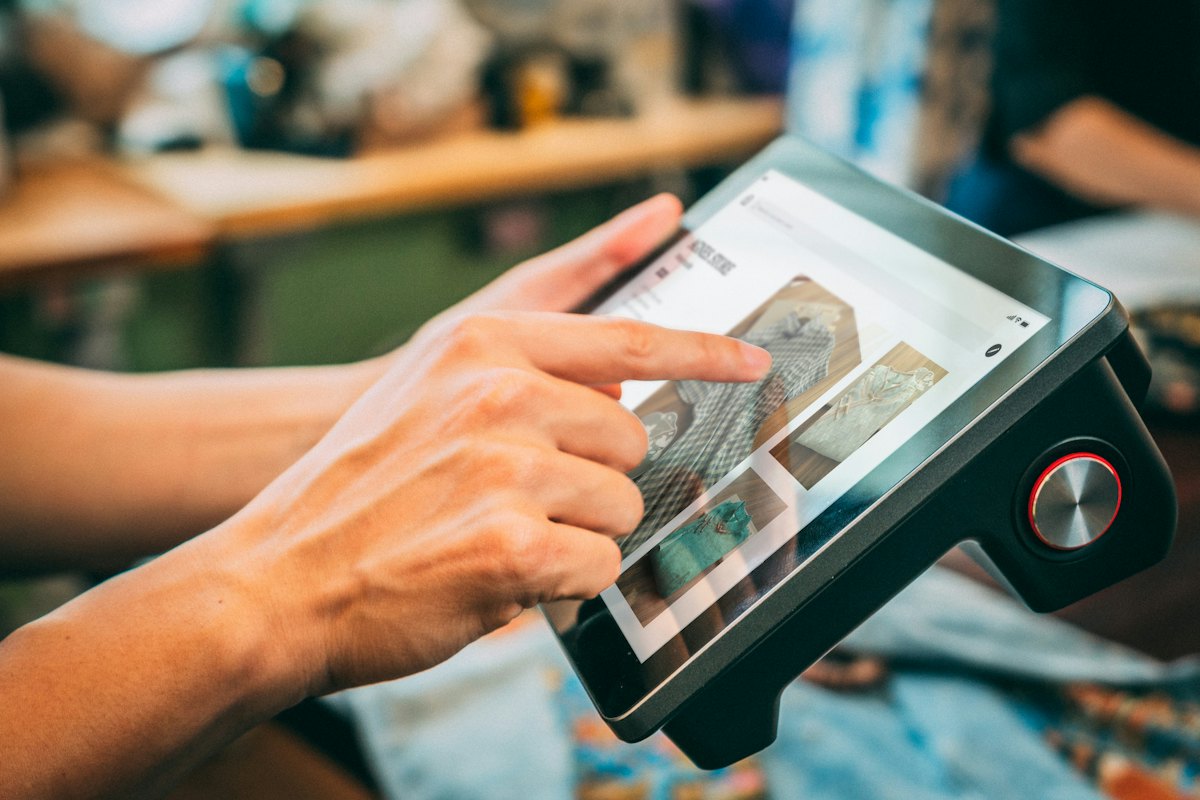
A restaurant POS used to be a billing machine. Today it's the system your whole outlet runs on: tables, kitchen tickets, online orders, stock, staff and the numbers you check every morning. Choosing the wrong one costs you in slow service, missed orders and hours of manual work.
Here's a checklist to take into every demo.
1. Billing that keeps up with a rush
- How many taps to bill a three-item takeaway order? Ask them to show you, live.
- Can cashiers search by item code or short names, and add items with the keyboard?
- Does it handle dine-in, takeaway and delivery from one screen?
- Split bills, merged tables, mixed payments (cash + UPI + card), credit for regulars?
- Different prices by section or time of day, and GST set up once and applied automatically?
2. A kitchen flow that doesn't lose orders
- Can KOTs print at different stations (tandoor, bar, main line) from one order?
- Can staff see what's preparing, ready and served?
- What happens when a printer is offline? Is the job retried, and are you told?
- Is there a check for orders that were served but never billed?
3. Online orders in one place
- Do Swiggy and Zomato orders come into the POS, or do you need separate tablets?
- Can you set separate aggregator prices and switch items off per platform?
- Does it give you your own QR ordering and online store, so regulars can order without commission?
- Do new orders ring loudly enough to be heard in a busy restaurant, even if the screen is on another page?
4. The hardware you already have
- Does it work with your existing thermal printers, over Wi-Fi, USB or Bluetooth?
- Does it run on the computer, tablet or phone you already own, or do you have to buy their terminal?
- Is there an app for owners and captains on Android?
5. The back office
- Menu: add-ons, sizes, bar menu, bulk price changes, Excel import.
- Stock: recipes linked to dishes, purchase entry, wastage, low-stock alerts.
- Staff: individual logins, roles, permissions down to actions like voiding a bill.
- Closing: a cash book, day close and a daily report you can print.
- Several outlets: one login, a view across outlets, menu and price sync.
6. Numbers you'll actually read
Every POS has reports. The question is whether you'll look at them. Ask to see the screen an owner opens in the morning. Does it show sales against last week, best and worst sellers, payment methods, and leaks like discounts, cancellations and void bills, without running five reports? Newer systems add AI that summarises the day and flags what needs you. Ask what it can change on its own; the right answer is "nothing, unless you allow it".
7. Your data and the exit
- Who owns your sales data and customer list? It should be you.
- Is your customer list ever shared with or used for other restaurants?
- Can you export everything to Excel, any time?
- Where is the data stored, and how is it backed up?
8. Support when it matters
Something always goes wrong on a Saturday night. Ask how you reach support (phone, WhatsApp, email), whether someone answers during service hours, and whether they'll help you set up your menu, tables and printers at the start. Ask for two restaurants like yours that you can call.
9. The full cost
Compare the full cost over two years, not the first month: subscription per outlet, extra charges for online-order integrations, hardware you're required to buy, set-up fees, and any commission on orders. A cheap plan with a per-order fee can cost more than a higher plan without one.
10. Switching without stopping service
A good switch takes days, not weeks. Export your menu and customer list to Excel, import them into the new system, set up printers and run both systems side by side for a few services. Pick a quiet weekday to go live.
We built QRkey to tick this list for Indian restaurants, from a single café to multi-outlet brands. Book a free demo and bring the list with you.
Written by the QRkey team for restaurant owners in India. Rates, rules and platform terms change; check the current ones before you decide.